AI
Personal AI Coach
Ask questions across permitted history, understand patterns, create workouts, and review supported plan changes before approving them.
The AfterFire experience
Strength workouts sit at the center. Coach, the muscle map, nutrition, recovery, progress, and selected health context make that training more personal and more useful.
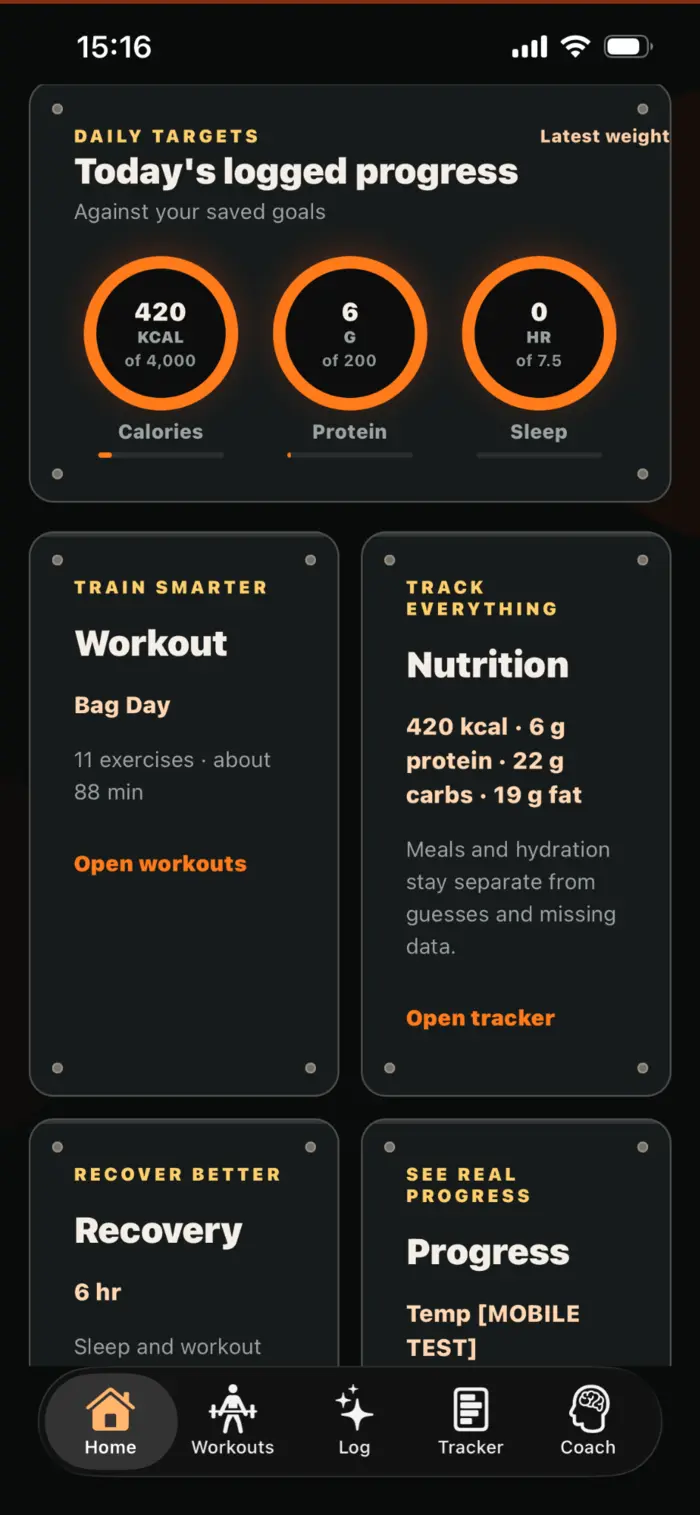
Six connected parts
Each part has a clear job. Together, they create the context that lets AfterFire Coach answer better questions and suggest more useful next steps.
Ask questions across permitted history, understand patterns, create workouts, and review supported plan changes before approving them.
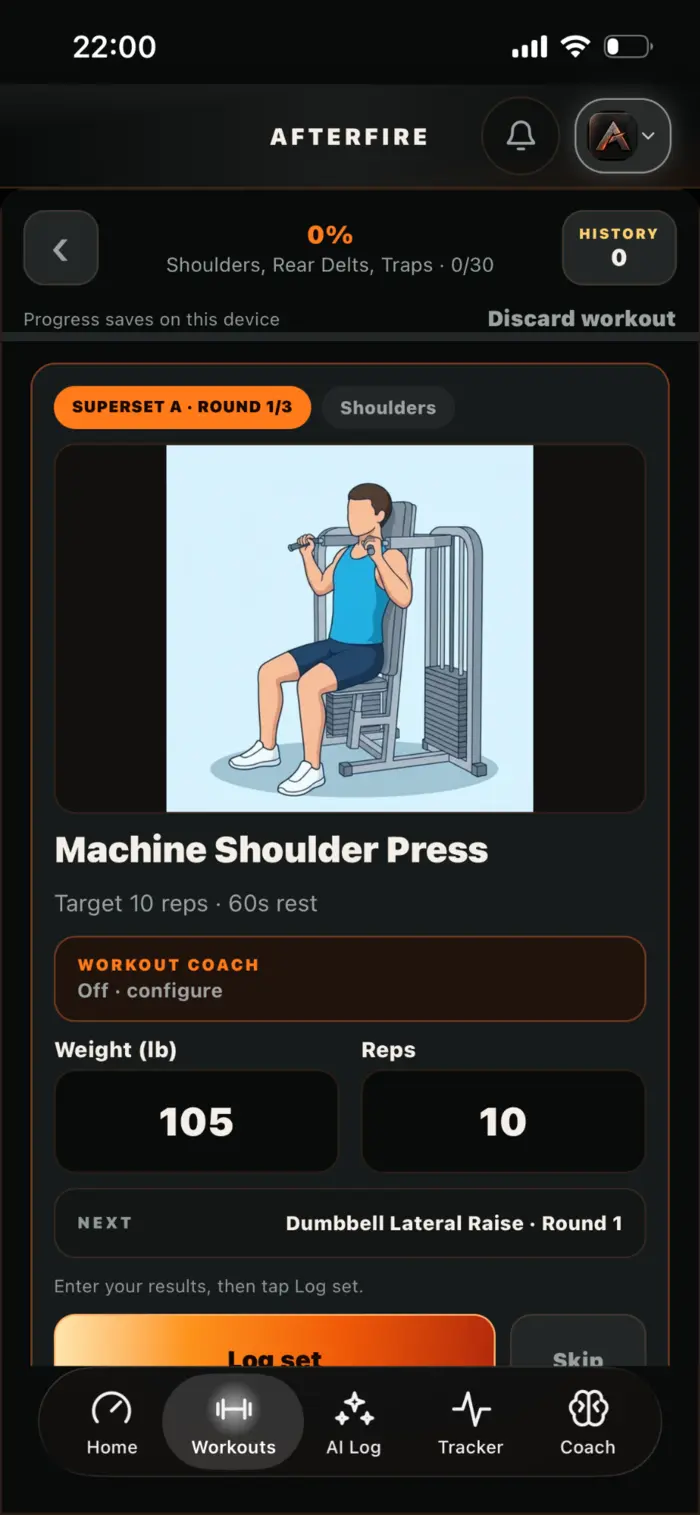
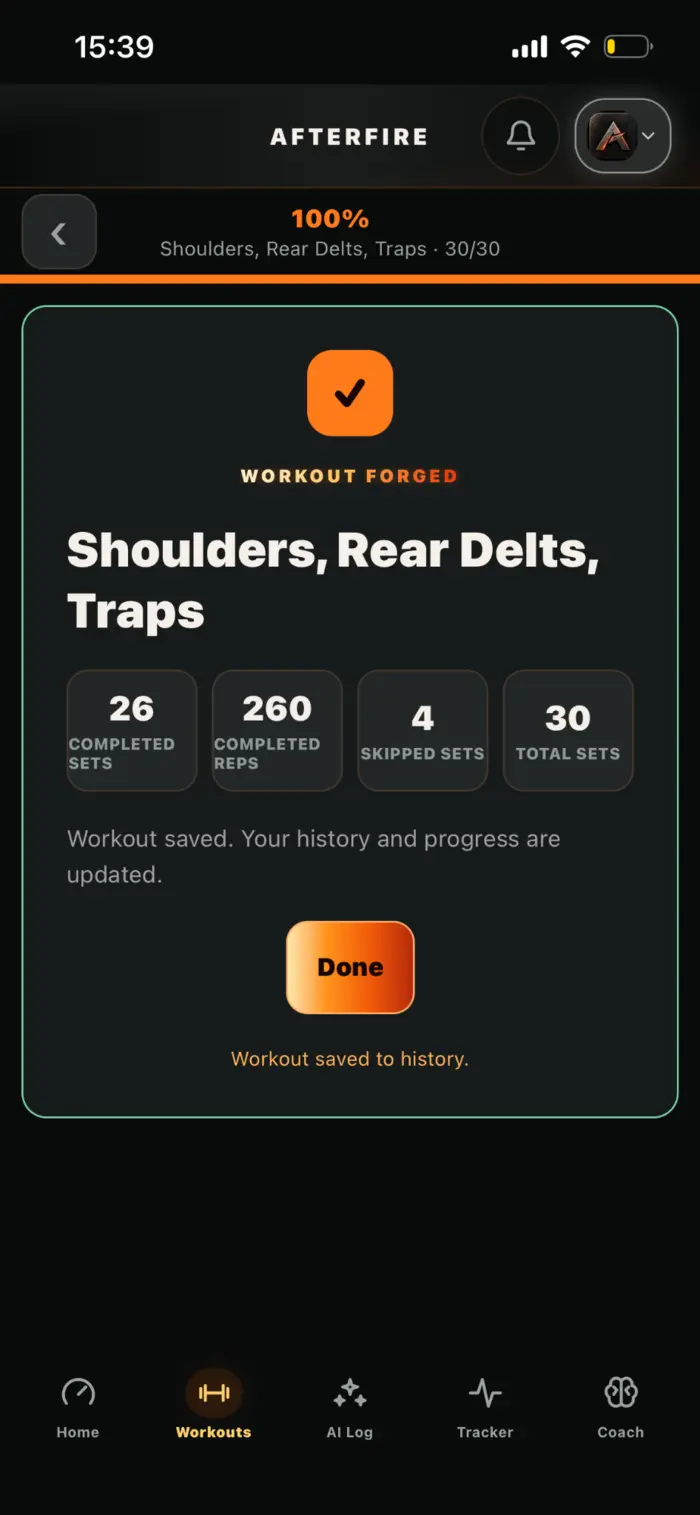
Build workouts with supersets and rounds, follow a focused runner, substitute movements, and save exactly what was completed.
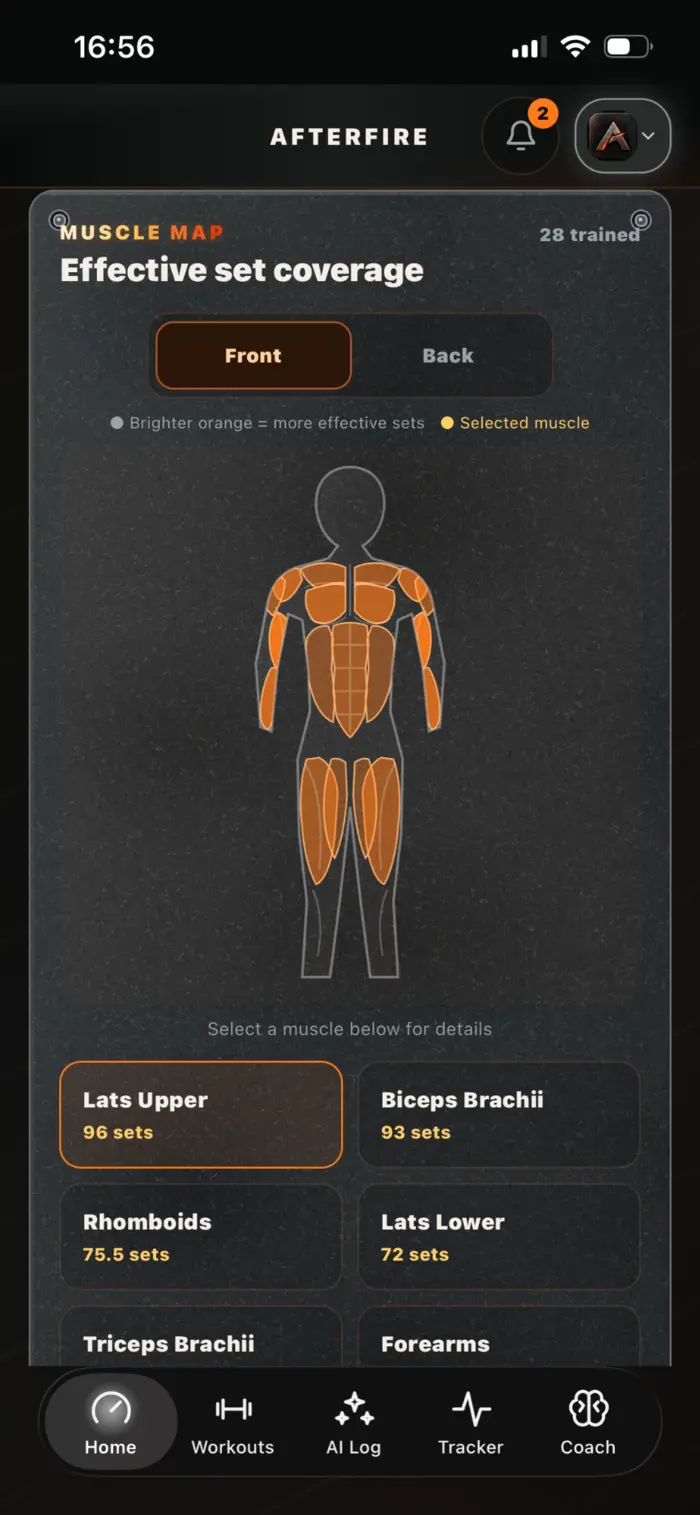
See front-and-back effective-set coverage calculated from recorded training and inspect individual muscle groups.
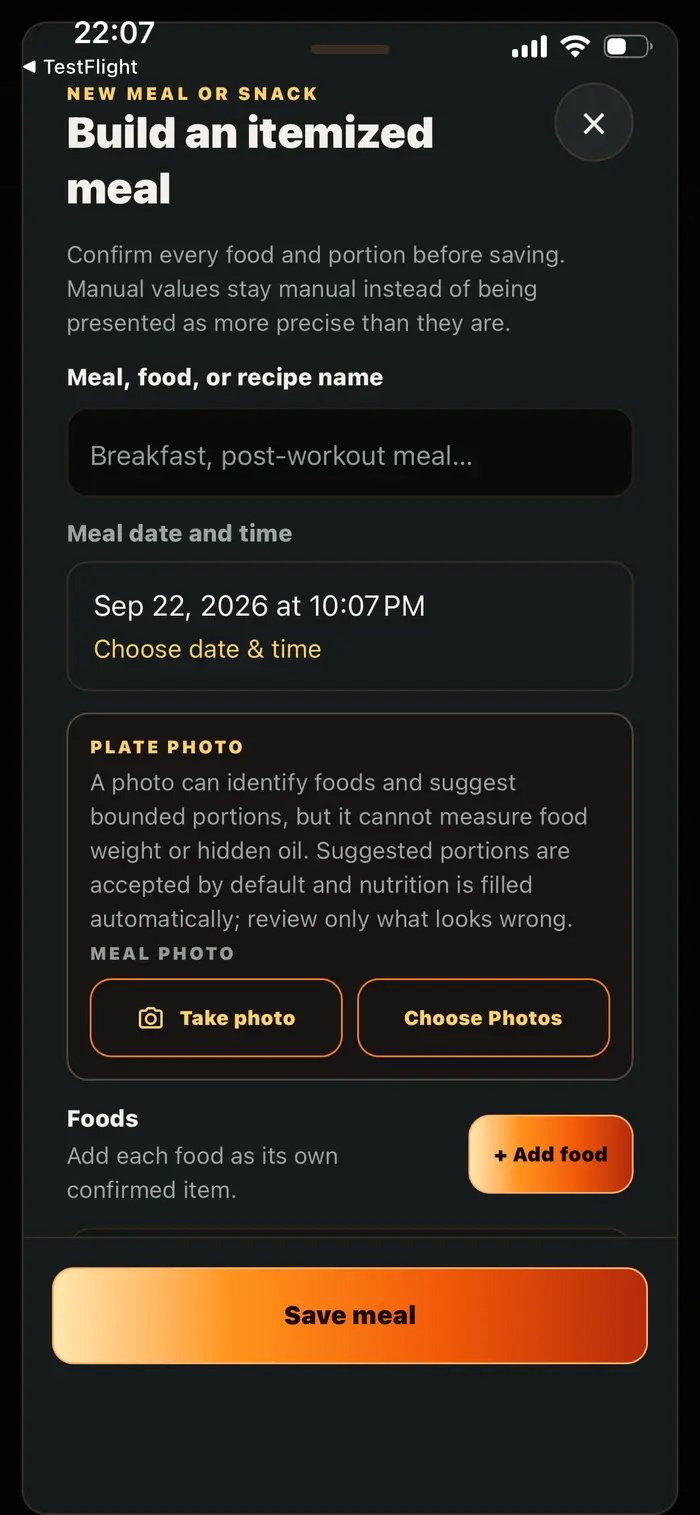
Log itemized meals, reusable recipes, nutrition labels, photos, micronutrients, drinks, and water without obvious double counting.
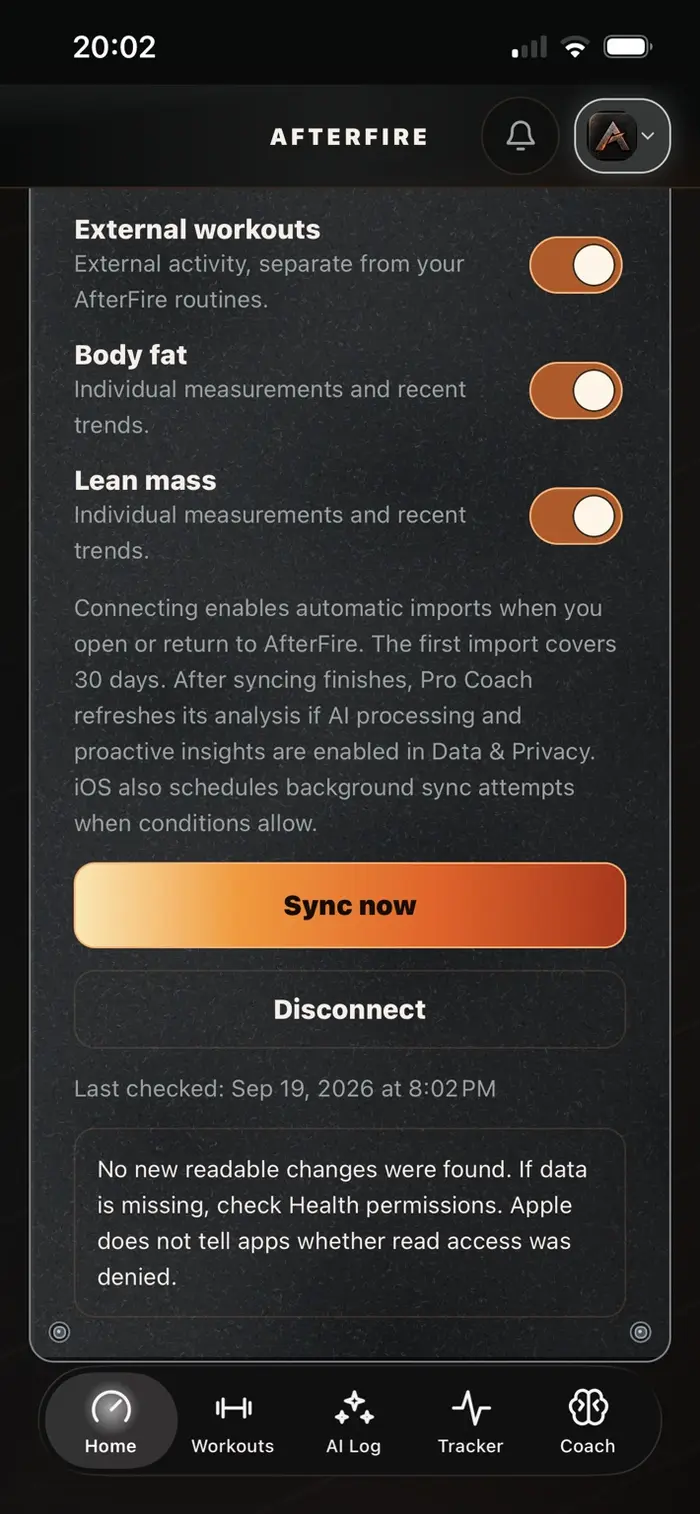
Track sleep, supplements, body progress, and optional read-only Apple Health signals with source and coverage boundaries intact.
Review workout history, volume, goals, measurements, progress photos, trends, and a provider-friendly wellness PDF.
Strength plans that stay practical
Create a plan manually or ask Coach to prepare one from your current goal, available equipment, recovery context, and recent training. Either way, you review the full workout before saving it.
Muscle coverage
Completed workout records feed the muscle map. Brighter regions represent more effective-set coverage in the selected history window, while the detail view connects a selected muscle with matching saved routines.
Connected tracking
Keep meals separate from drinks, save reusable recipes, scan individual labels, include water as a valid ingredient, and review AI or photo estimates before saving.
Water inside a drink can update hydration without becoming a second independent intake. Matching amount-and-time entries can be reviewed instead of blindly doubled.
Scheduled supplements stay in a stable order, off-day plans remain below a divider, and rapid taps can queue instead of blocking each other.
Log overnight sleep accurately, add quality, track weight and measurements, keep private progress photos, and connect selected Apple Health categories.
Your choice of context
AfterFire’s value does not depend on pretending every field is complete. The app preserves the difference between records, estimates, plans, sensor readings, and gaps—so Coach can be useful without overstating certainty.
Useful beyond the app
Generate an AfterFire-branded PDF covering useful trends and available coverage across training, intake, hydration, sleep, body measures, and supplements. Review the destination before emailing it, or save and share it through iPhone.
The report is designed to help a healthcare provider scan the bigger picture without burying them in every personal record or strength statistic.
Go deeper