“What weight did I use?”
Find a specific exercise, workout, set, date, completed reps, load, volume, or recent performance from available history.
AfterFire Coach
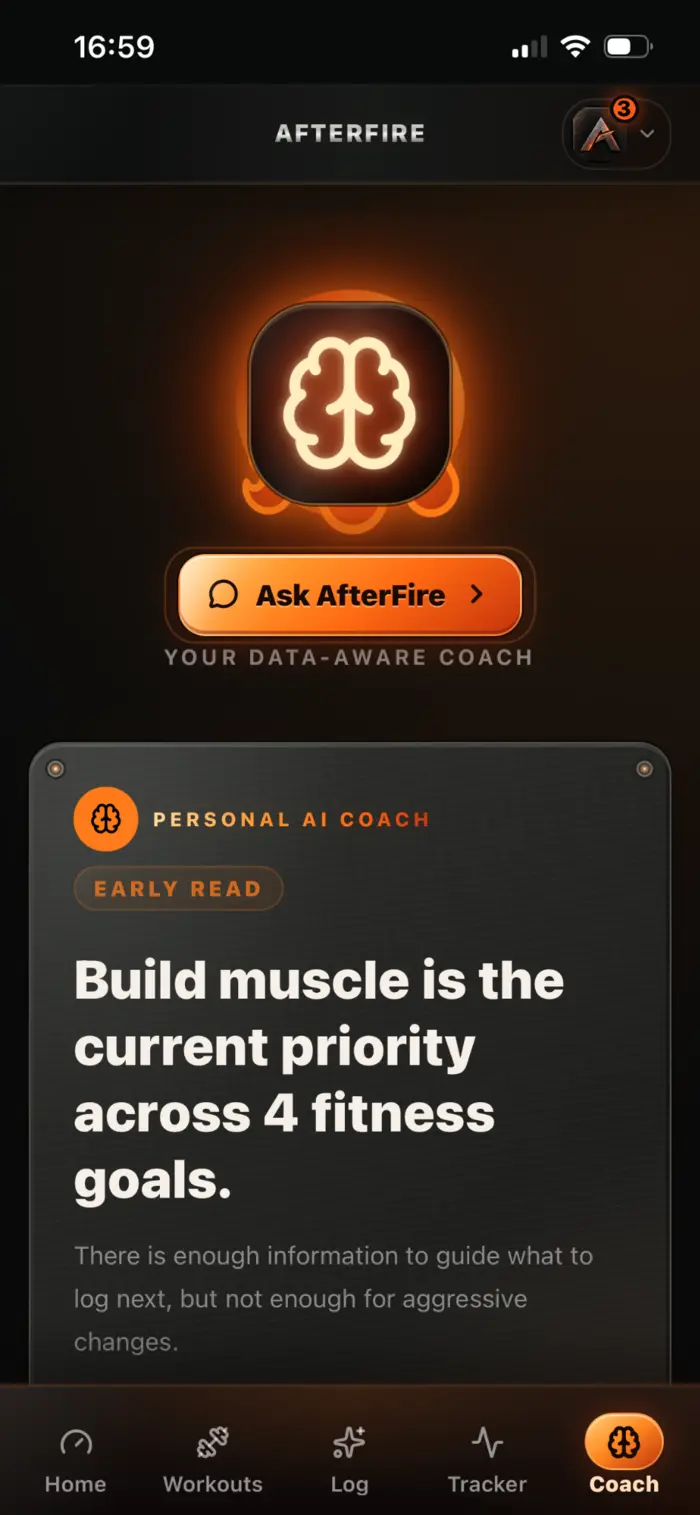
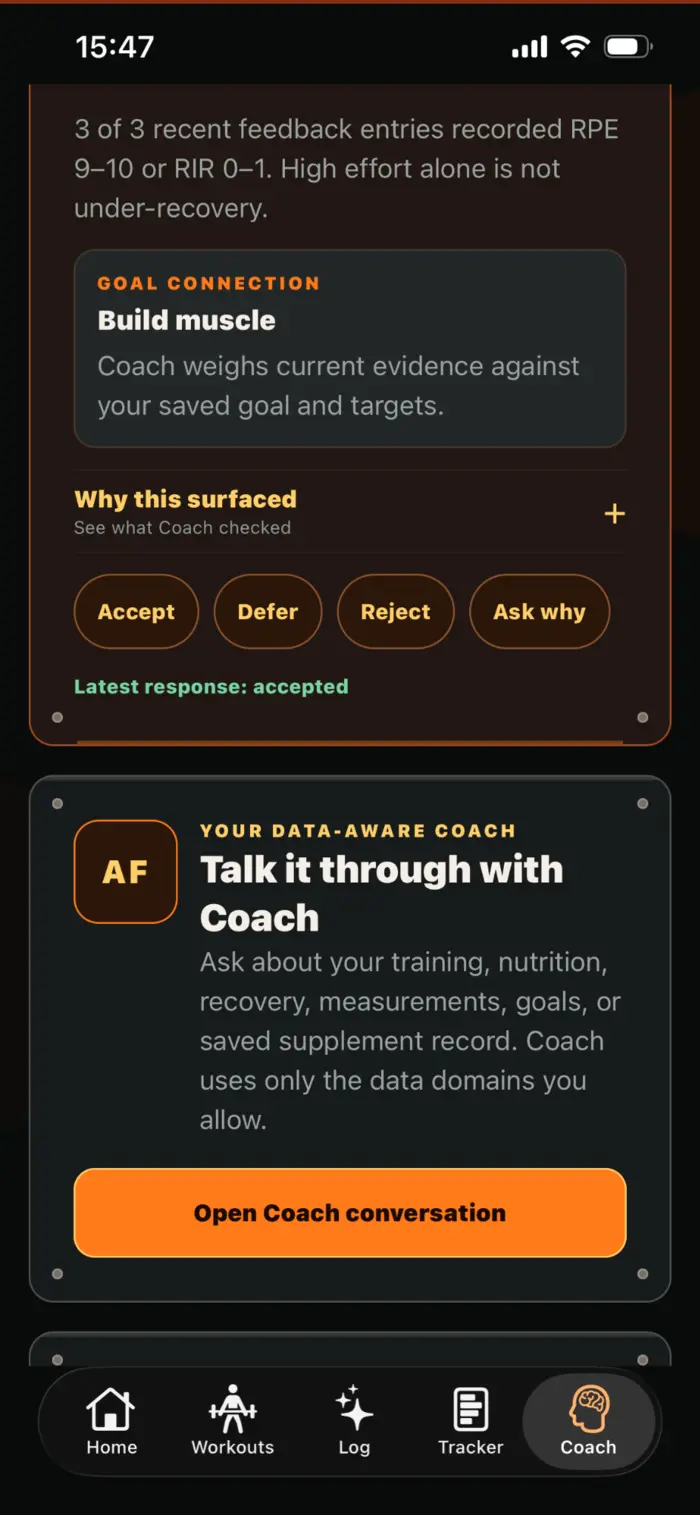
AfterFire Coach is both a fitness coach and an in-app health assistant: it can search the records you permit, answer specific questions, explain patterns, guide you to the right screen, and prepare supported actions for your review.
How it works
AI begins off. You decide which supported categories Coach may use, with separate control for Apple Health context.
Type or speak a question the way you would ask a coach: “What did I lift last Friday?” or “Build a workout around my equipment and recovery.”
AfterFire looks across the permitted records relevant to that question while preserving dates, sources, estimates, and missing information.
Coach explains the answer and its limits. If it prepares a supported workout or change, you inspect it separately before anything is saved.
Questions with real answers
Coach is designed to handle both guidance and retrieval—not just generic encouragement.
Find a specific exercise, workout, set, date, completed reps, load, volume, or recent performance from available history.
Compare available sleep or recovery context with performance while explaining gaps, mismatched coverage, and uncertainty.
Summarize permitted meal, drink, hydration, micronutrient, and confirmed supplement records across a requested date range.
Prepare a complete strength workout around goals, equipment, recent training, recovery, and other context you allow.
Find same-muscle, equipment-compatible exercise options while avoiding movements already used in the current plan.
Act as an app assistant and take you directly to the relevant workout, tracking, goal, billing, privacy, or account area.
Context you control
The value comes from relationships—not from exposing everything by default.
A supplement plan is not treated as a confirmed dose. A target is not treated as adherence. An estimated meal is not presented as a lab measurement. A sensor reading is not treated as a diagnosis.
If a meal, workout, sleep period, or nutrient is not logged, Coach should describe the available coverage instead of inventing a complete day.
AfterFire keeps local-day boundaries and distinguishes manual entries, AI estimates, connected health observations, and saved plans.
Supported answers can surface the records used, what is uncertain, and what additional information would make the answer stronger.
Coach can help you act
Coach can prepare a strength workout or supported workout modification, but it does not quietly overwrite your plan. You see the proposal, review the details, and make the final choice.
A voice that fits the moment
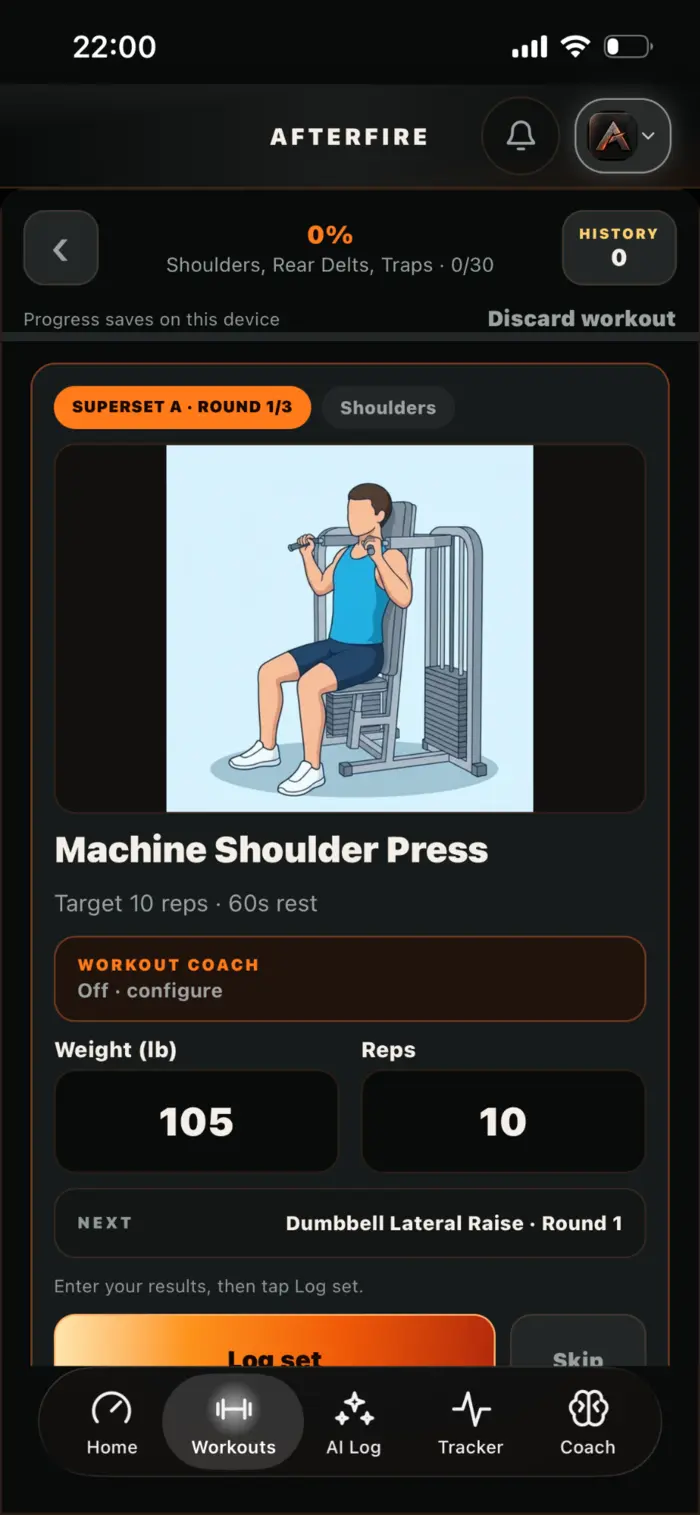
Use typed questions or voice conversations, choose from multiple Coach voices and delivery styles, turn spoken replies on or off inside the conversation, and configure optional workout coaching separately for the session.
Select accent and voice presentation, then choose a supportive, intense, or more direct delivery style.
Configure rep pace, coaching cadence, and intensity for the current workout without tying those settings to every conversation.
Spoken replies are a conversation-level choice. Voice failure never blocks workout logging or advances a set by itself.
Important boundaries
No. Coach can discuss general training and wellness context, but it does not diagnose, prescribe, or replace a qualified medical professional.
No. AI starts off, supported categories are individually controllable, and Apple Health has separate device and AI permissions.
Yes. AI output, nutrition estimates, user-entered records, and connected-device readings can be incomplete or wrong. AfterFire is designed to show source and uncertainty where useful, but you should still review advice and saved changes.
OpenAI states that API data is not used to train or improve its models unless the API customer explicitly opts in. Limited API data may still be retained for safety and abuse monitoring under current service controls; AfterFire does not claim zero retention.